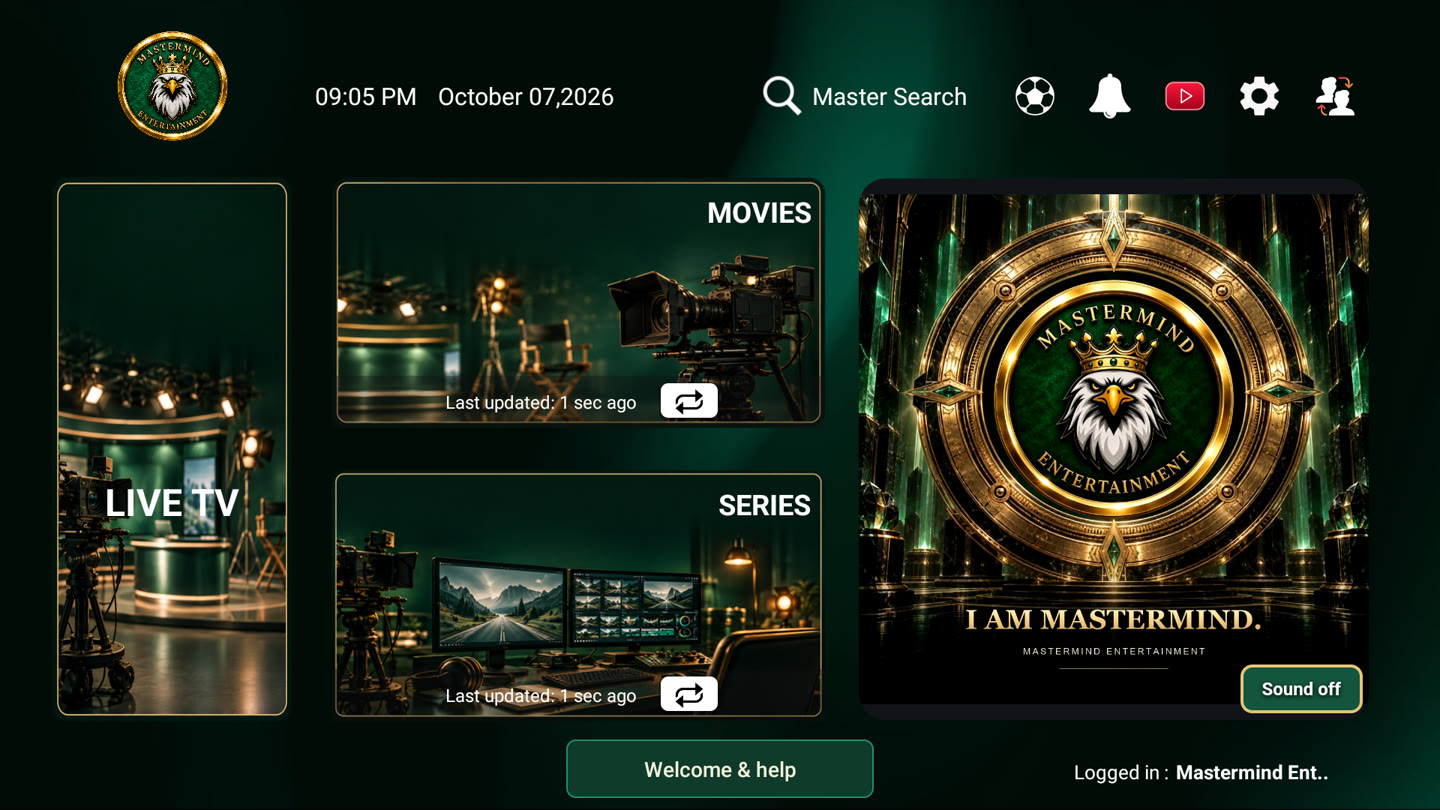
A brand they
remember.
Logos, backgrounds, colors, and supported appearance settings. Your service deserves its own identity.
 MASTERMINDTHE RESELLER EXPERIENCELet’s build your brand ↗
BUILT FOR TV SERVICE RESELLERS
Attract new customers. Make setup simpler.
Brand the apps. Manage the experience.
Explore the tools behind your service.
THE TOOLS BEHIND YOUR BRAND
From a first impression to an activated TV—and the support that follows. Choose a tool to see what it does and try an example.
Turn your brand, offer, and contact details into a promotion worth sharing.
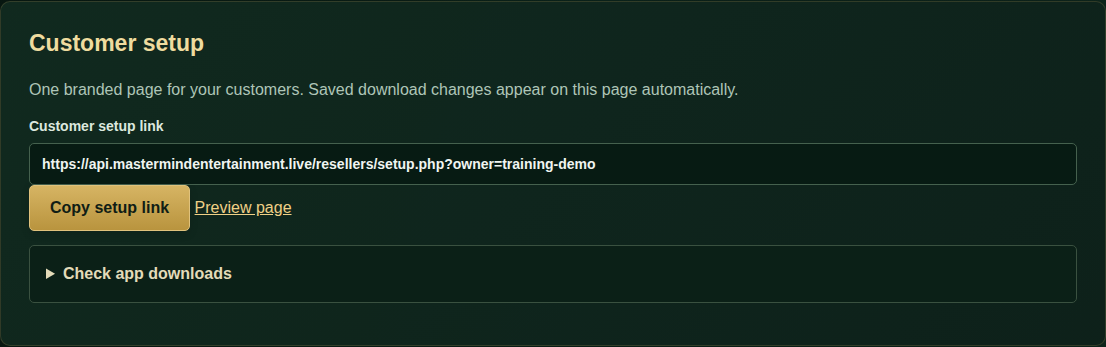
Give new prospects a clear invitation, a way to reach you, and a setup path when they are ready.
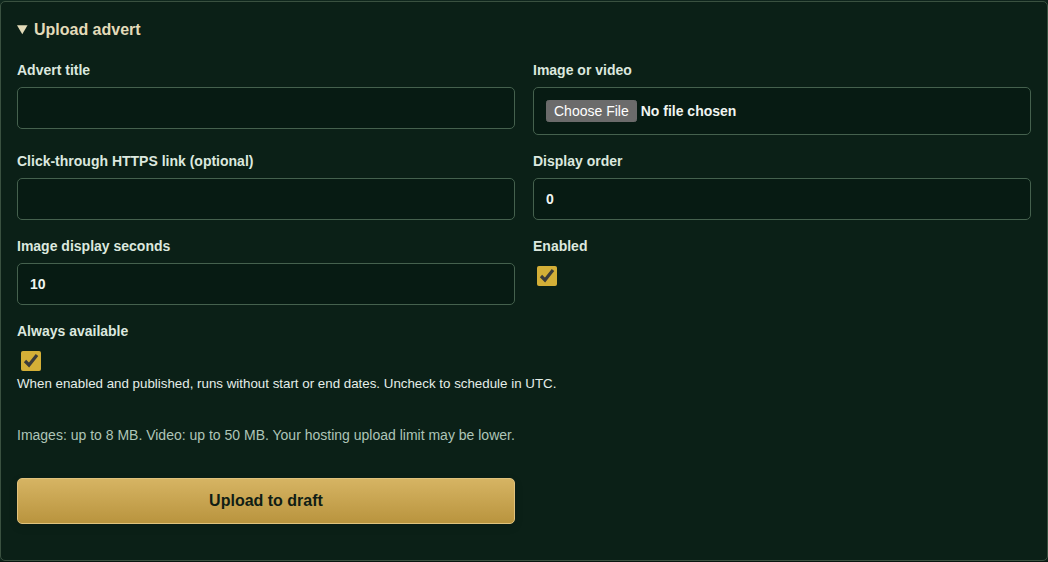
Give your app personality with image or video adverts and a soundtrack for activation.
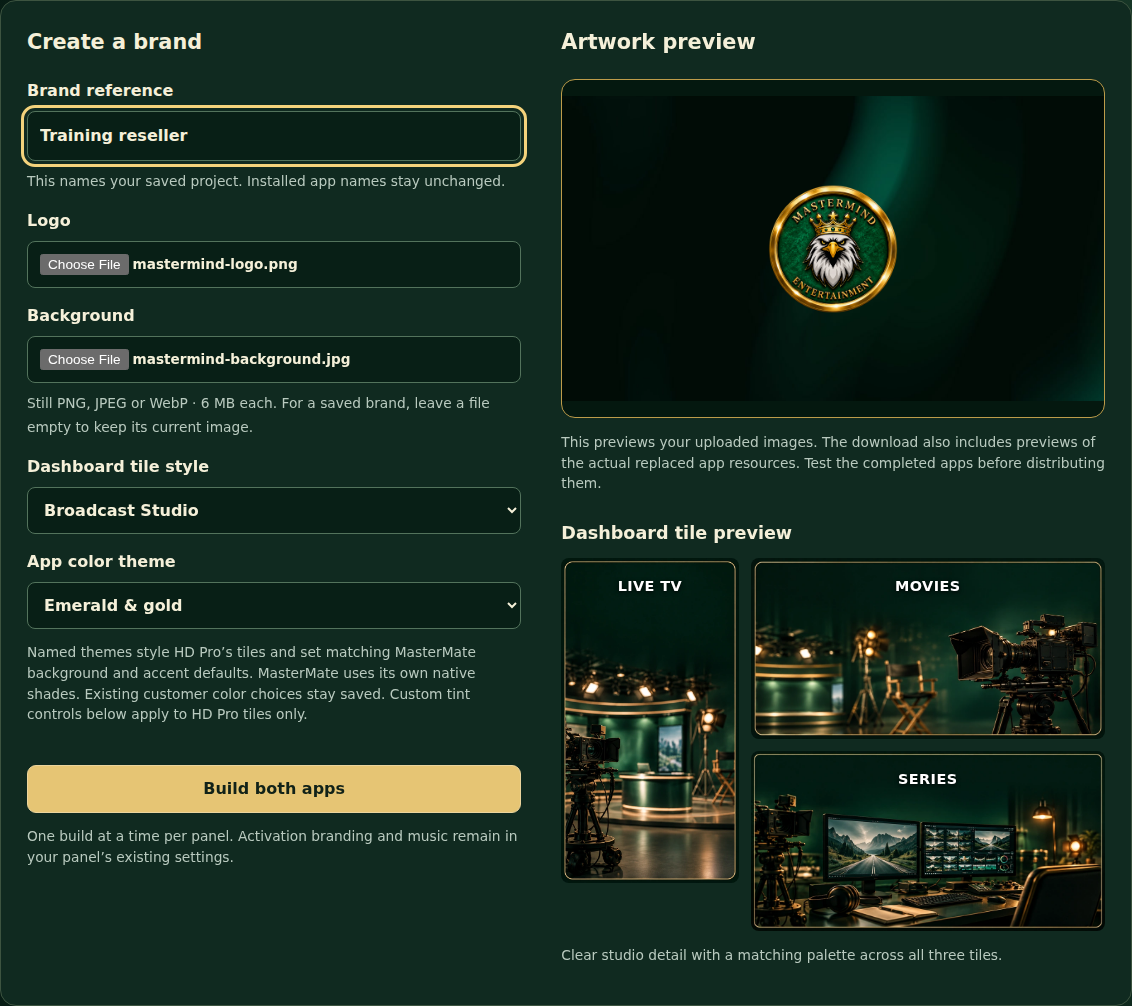
Build a recognizable service with your own logo, backgrounds, and supported appearance settings.
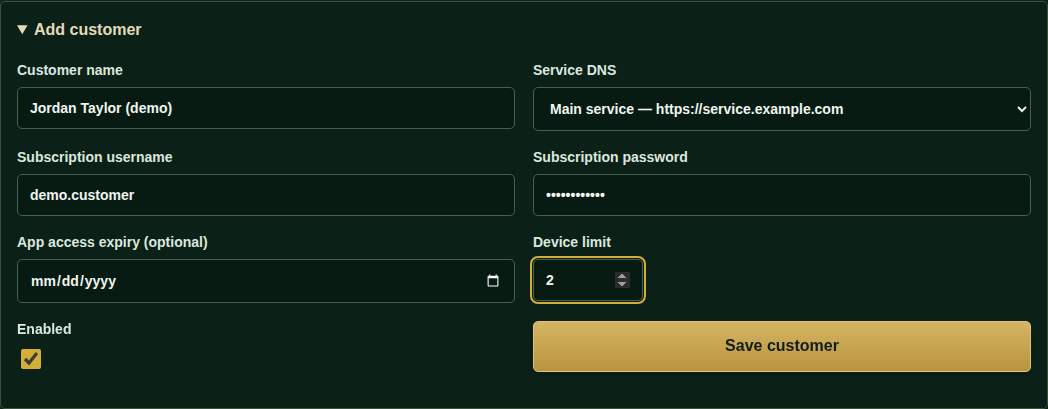
Keep customer access, activation codes, and linked devices in one place.
Connect a supported provider account to handle available subscription actions from Mastermind.
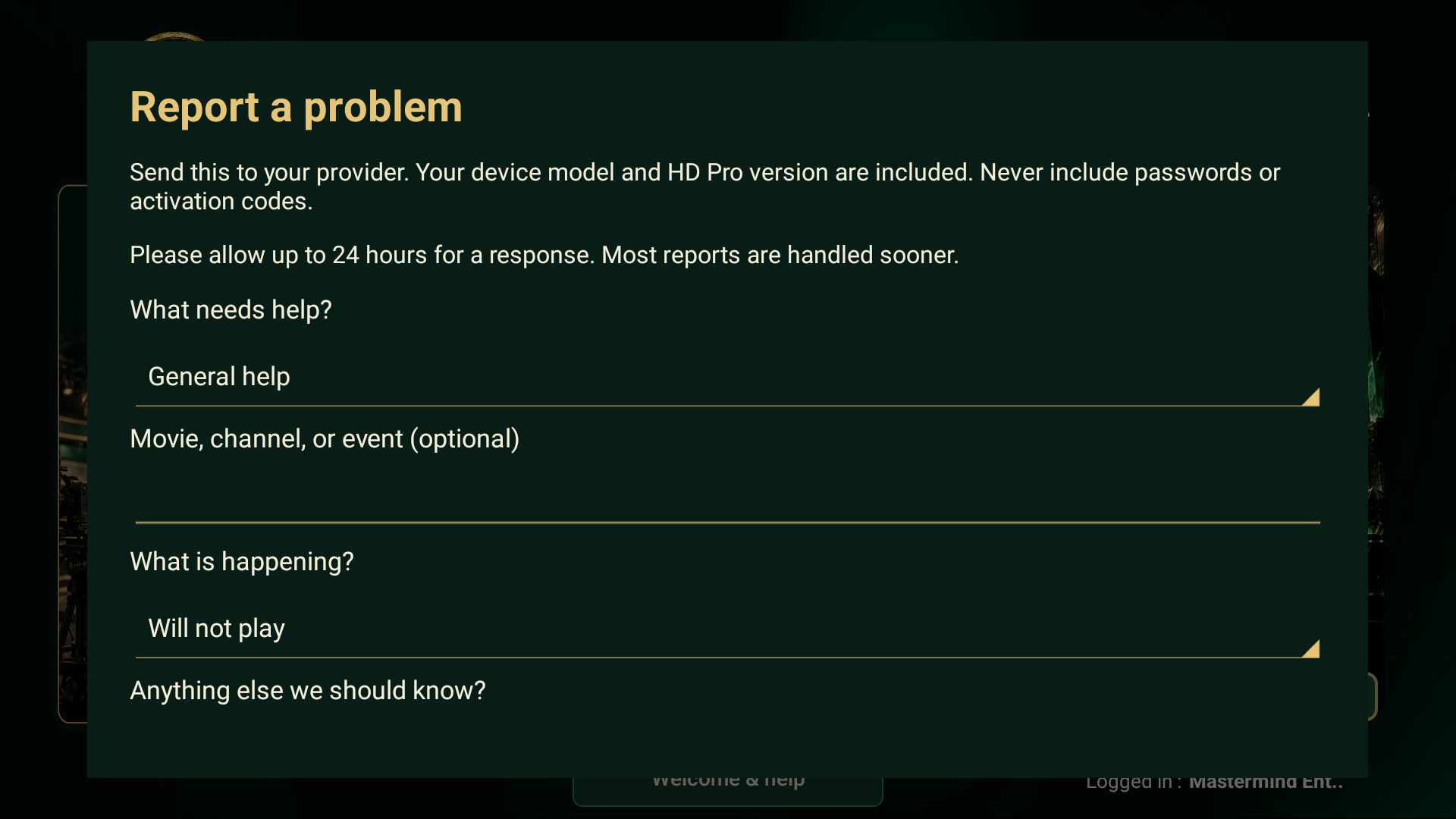
Offer help inside the app and bring customer reports back to your panel.
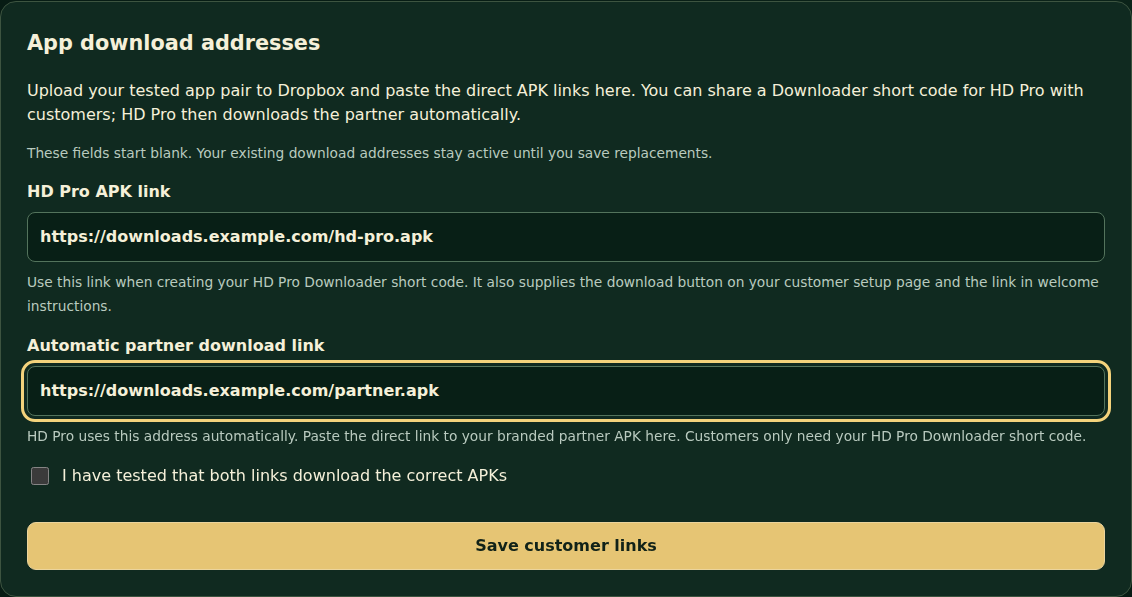
Manage the download addresses behind your branded customer setup experience.
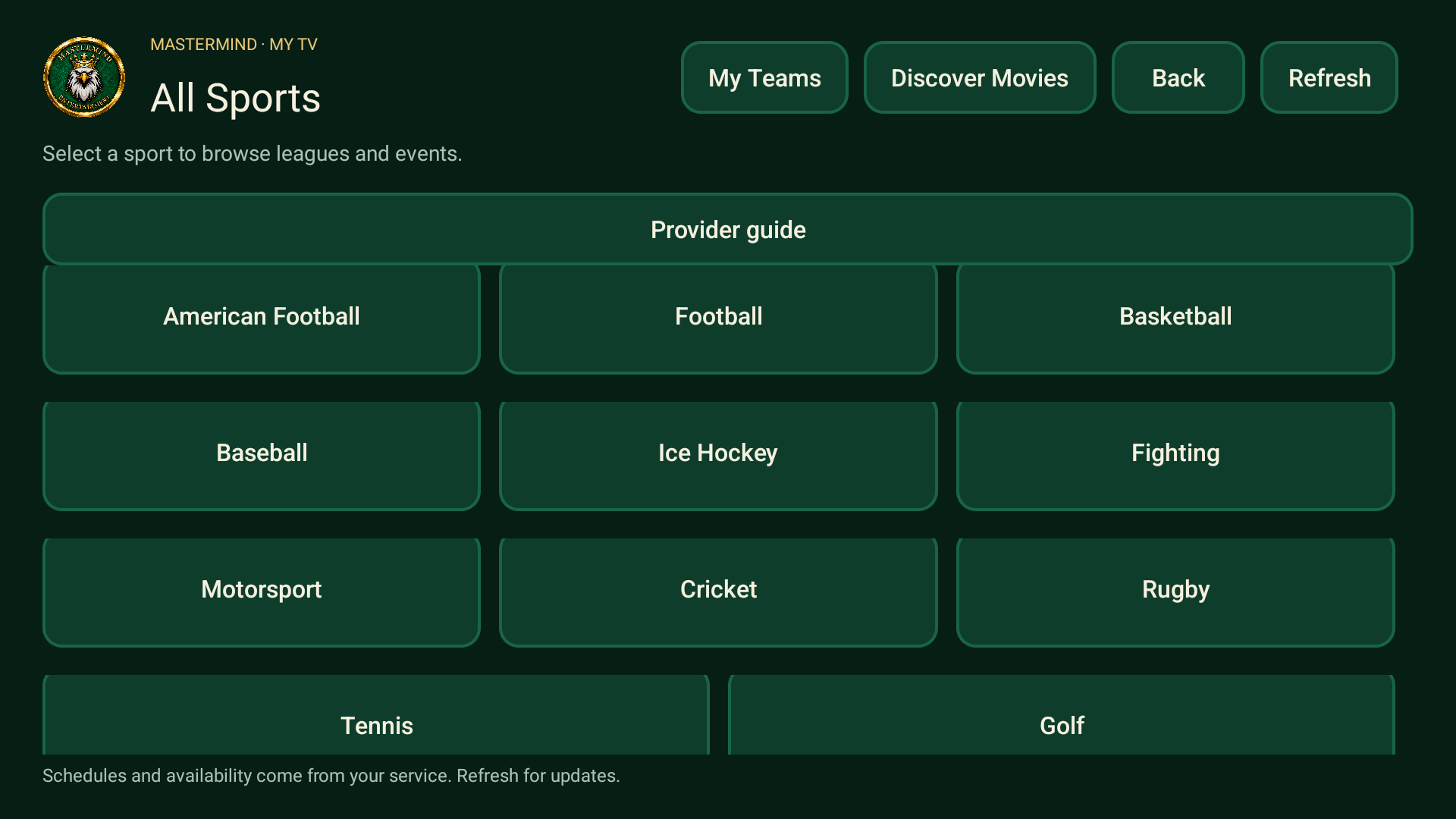
Bring sports, team interests, announcements, and discovery into the viewing experience.
Studio tools require enabled Studio access. Provider actions depend on supported integration. Explore each page for details.
NOW SEE WHAT YOUR CUSTOMERS GET
Explore the actual HD Pro screens. Select a tile or icon below to step inside.
DON’T JUST READ ABOUT IT
Choose a tool. Try the controls.
See how Mastermind can fit your reseller business.
MORE TO OFFER. MORE ROOM TO GROW.
Logos, backgrounds, colors, and supported appearance settings. Your service deserves its own identity.
Customer access, activation, devices, supported provider integration, and reports—all managed from your panel.
Create branded flyers and share trial invitations with clear setup information, phone contacts, and Telegram options.
YOUR LAUNCH, MADE CLEARER
Start with your service. Choose the app experience. Make the brand your own.
Share your provider system, the devices your customers use, and what you want your brand to look like. We’ll discuss compatibility before you commit.
TWO WAYS TO DELIVER YOUR EXPERIENCE
Movies, series, discovery, sports, and help in HD Pro. Live TV and the guide in Partner. Distribute the correct compatible pair.
Offer IBO connected to the Mastermind panel. Playlist management is handled through the panel. Features vary by app.
BEFORE YOUR NEXT MOVE
With enabled Studio access, resellers can use App Branding Studio, Flyer Studio, and promotional tools. Apply supported app branding, create downloadable flyers, and prepare trial invitations and customer setup information.
Integration supports selected provider systems and requires valid account and API details. It can include subscription creation, available trials, and adding time through Extend. An API key alone does not guarantee compatibility. Some actions stay in the provider’s original panel.
Yes, where your supported provider offers trials. Your provider controls their availability and duration. Use promotional tools to invite new customers and guide them through setup when they’re ready.
Your provider controls the content library, channels, stream quality, and availability. Mastermind supplies the app experience and management tools. Sports channel matches depend on your subscription’s channels and their names.
Compatibility depends on the app and device. An activation code is intended for one TV setup. HD Pro and Partner must be a compatible pair; IBO is a separate standalone alternative.
Customers can submit reports through Welcome & Help. Review reports in the panel and enable optional email notifications. Email delivery depends on your hosting and email provider; messages may reach spam folders.
LET’S BUILD YOUR RESELLER BRAND
Contact us for special discounted reseller pricing.
346-342-2846Tell us your provider system and which apps or Studio tools interest you.